#615 Course Code
ETAP Training for Protection Engineers
- Video-Based (Pre-recorded)
- Instructor: Dr. Saeed Roostaee
- Language: English
- Course Created: April 2020
- Last Updated: December 2024
- Total Training Time: 23+ Hours
- Lifetime Access
- Auxiliary Files & Software Resources
- Certificate of Completion
- Technical Support
- Join our WhatsApp group for course updates
Course Overview
Master ETAP through practical, step-by-step training designed specifically for protection, commissioning, and power system engineers.
Learn how to model electrical power systems, perform load flow and short-circuit studies, analyze protection systems, and carry out protection coordination using real engineering examples.
The course combines theory with hands-on demonstrations to help you confidently use ETAP for power system analysis and protection studies.
What You’ll Learn
- ETAP fundamentals and project creation
- Power system modeling
- Busbars, transformers, transmission lines, and cables
- Load flow analysis
- Short-circuit analysis
- Protection and coordination studies
- Relay coordination
- Time-current characteristic (TCC) curves
- CT selection and relay settings
- ANSI 50/51 and earth fault protection
- Fuse and relay coordination
- Practical engineering examples
Course Structure
Chapter 1 – ETAP Fundamentals
- ETAP interface and project setup
- Equipment modeling
- Power system components
- One-line diagrams
Chapter 2 – Load Flow Analysis
- Load flow studies
- Equipment modeling
- Motors and generators
- Cable and transformer sizing
- Alarm analysis
Chapter 3 – Short-Circuit Analysis
- Fault calculations
- Short-circuit settings
- Equipment duties
- Practical fault studies
Chapter 4 – Protection & Coordination
- Protection system modeling
- Relay settings
- Protection coordination
- Star View
- ANSI 50/51 settings
- Earth fault protection
- Fuse coordination
- Protection coordination practice
Included Resources
- ETAP Manual
- Practice Projects
- Auxiliary Files
- Continuous Course Updates
Benefits
After completing this course, you’ll be able to:
- Build ETAP projects from scratch
- Perform power system studies with confidence
- Carry out protection and coordination studies
- Configure overcurrent protection settings
- Improve commissioning and troubleshooting skills
- Apply ETAP effectively in real-world engineering projects
- #615 Course Code
- Course Name: ETAP Training for Protection Engineers
- Trainer: Dr. Saeed Roostaee (Profile)
- Language: English
- Course Creation: April 2020
- Join our WhatsApp group for the latest updates on this training: https://elec-engg.com/updates/
- Lifetime access
- Auxiliary files and Updates
- Certificate of completion
- Total time till Dec 2024: 23 hrs
Content
Course information
Course topics
Auxiliary files:
- ETAP 22.5 manual
- Load Flow practice
Course details
ETAP has been designed and developed for engineers to study different aspects of power systems in one integrated package. This course is structured into 4 chapters, with theory and practical examples. It is designed for protection engineers to understand the power system, short circuit concept, protection, and coordination.
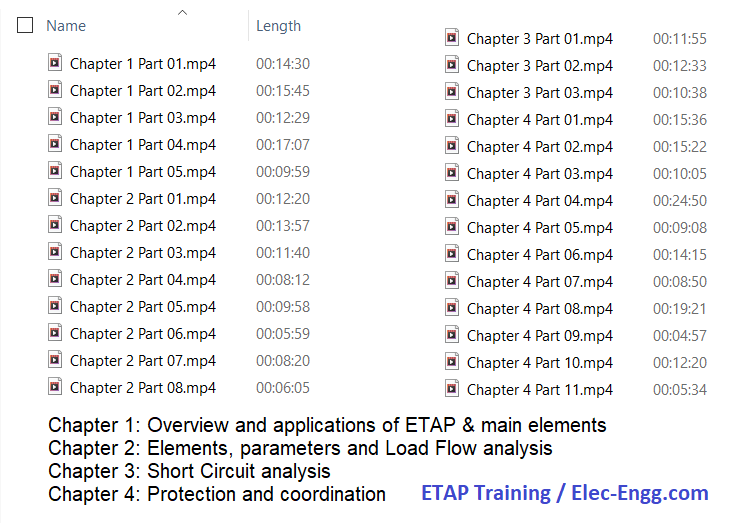
Chapter 1, part 01: overviews different tools in ETAP with an example. ETAP offers a suite of fully integrated electrical engineering software solutions including load flow, short circuit, protection and coordination, harmonic analysis, transient stability, cable ampacity, arc flash, optimal power flow, and more. Some of these tools may not be required in our study. So we should know which part is the most important tool for us. This part overviews different parts of ETAP before starting the course. In this way, we can find the main tools and parts on which we should focus on.
Chapter 1, part 02: An introduction to ETAP software. We start with creating a new project and explaining different toolbars and menus in ETAP.
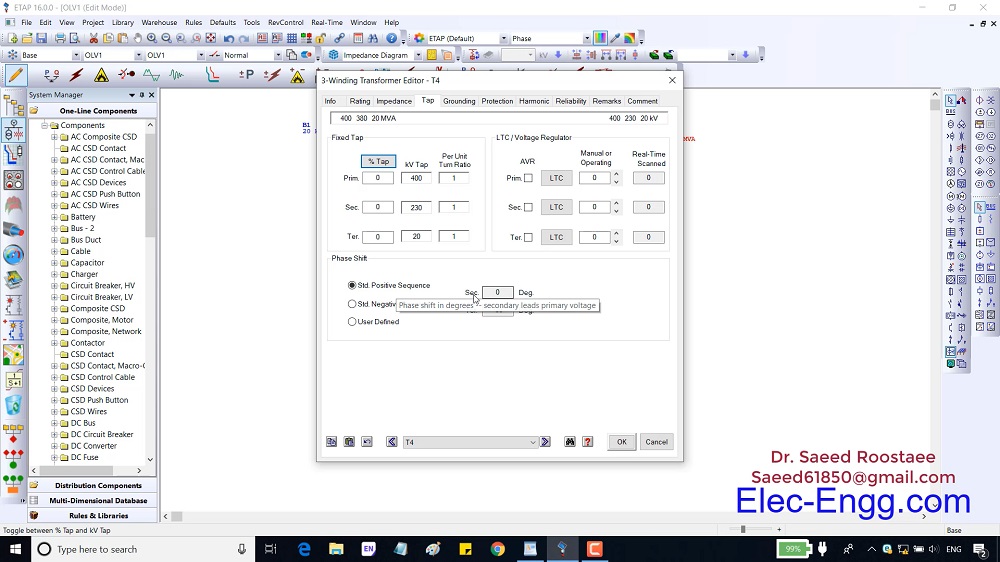
Chapter 1, part 03: This part overviews the main parameters of a busbar, 2 winding transformers, and 3 winding transformers.
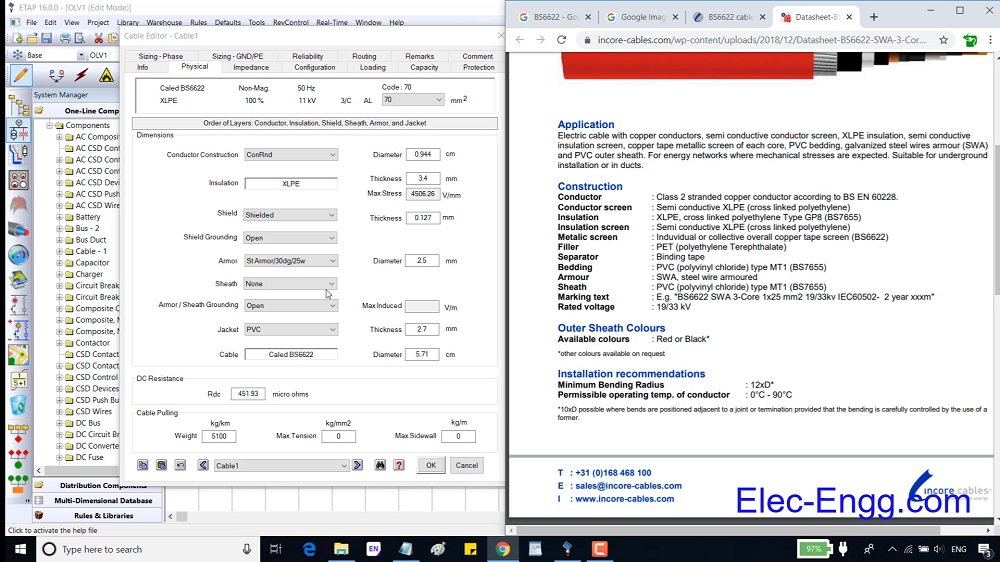
Chapter 1, part 04: Overview of the main parameters of a transmission line and cable.
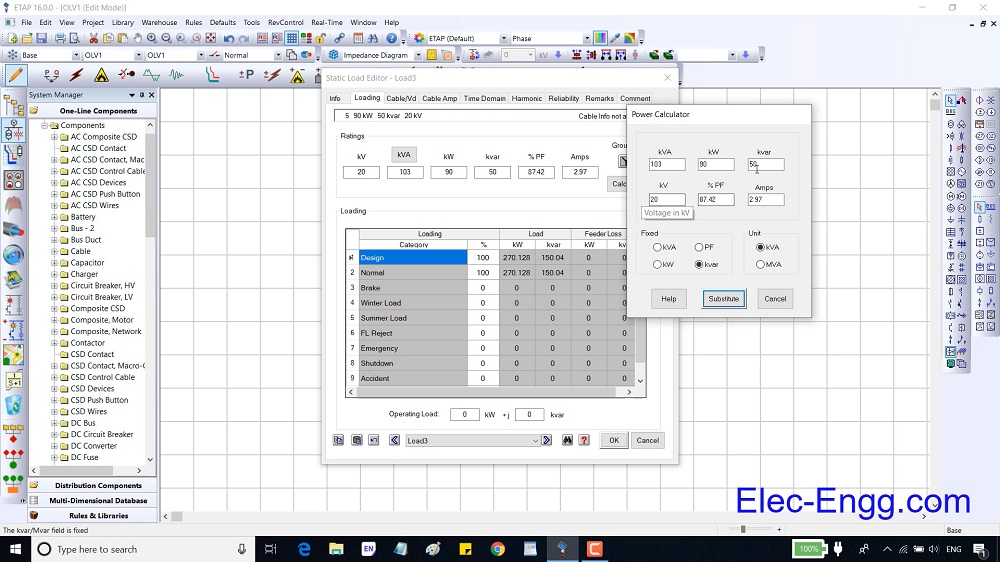
Chapter 1, part 05: overviews the main parameters of a static load, lumped load, and power grind.
Chapter 2, Part 01: shows how to study parameters with load flow analysis. To do so, we run a load flow analysis on a simple one-line diagram and study the effect of different parameters.
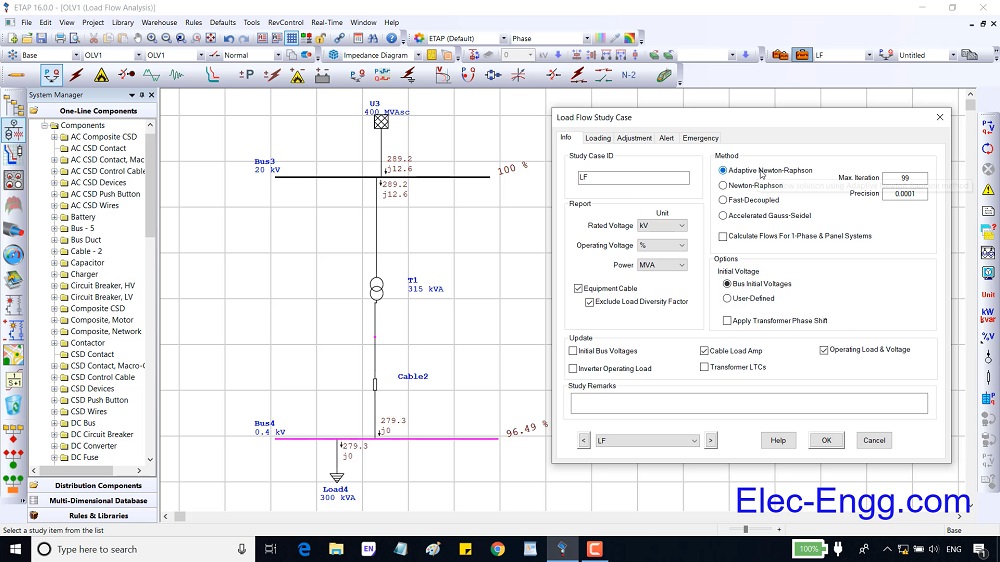
Chapter 2, Part 02: overviews the load flow study case and plot option settings.

Chapter 2, Part 03: presents a practice to understand the parameters of load, equipment cable, busbar, cable, and transformer deeply. Then it presents load flow and load analyzer tools.
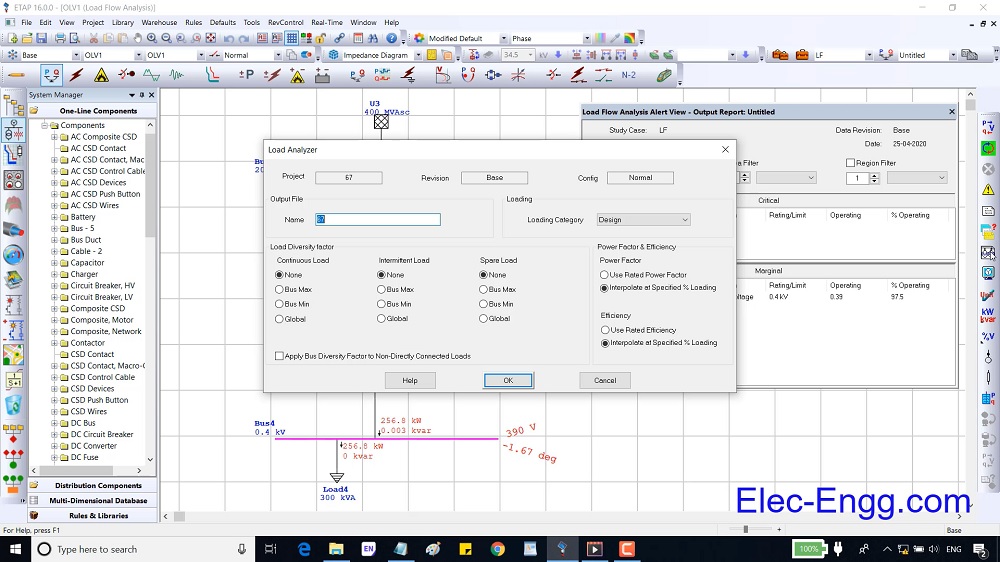
Chapter 2, part 04: overviews the main parameters of low voltage circuit breaker and high voltage circuit breaker.

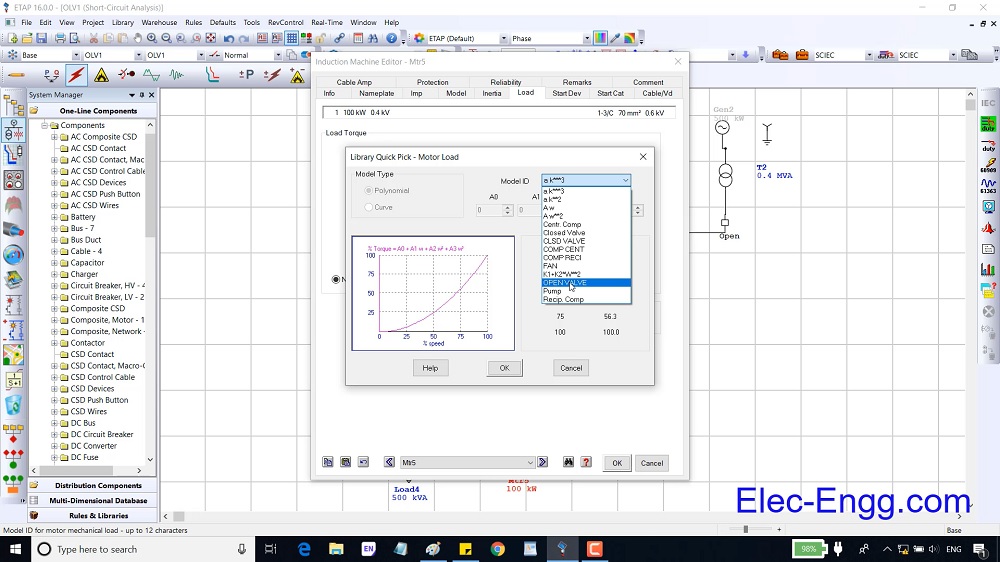
Chapter 2, part 05: overviews the main parameters of an induction machine and how to model an induction machine in three different methods.
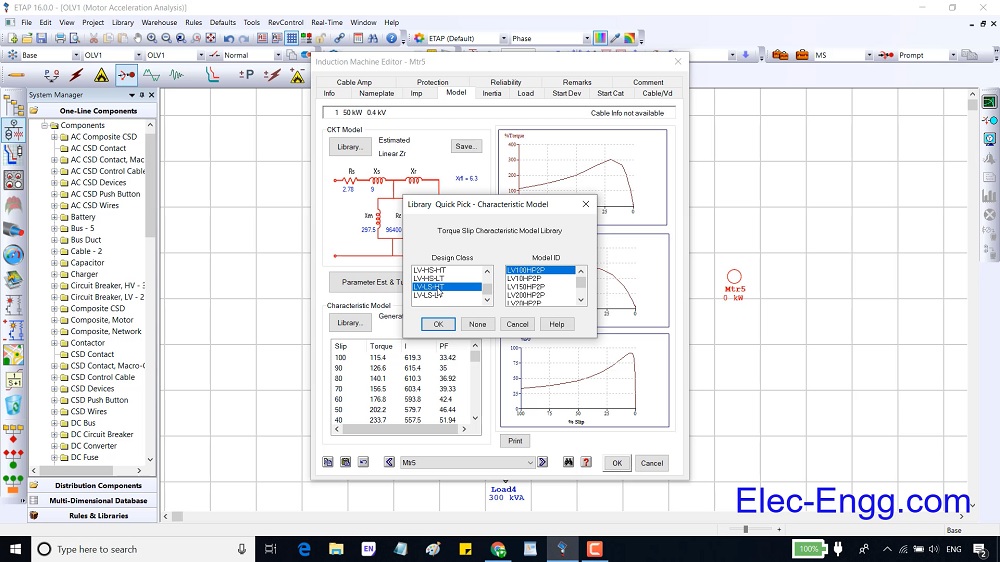
Chapter 2, part 06: overviews the main parameters of a synchronous generator.
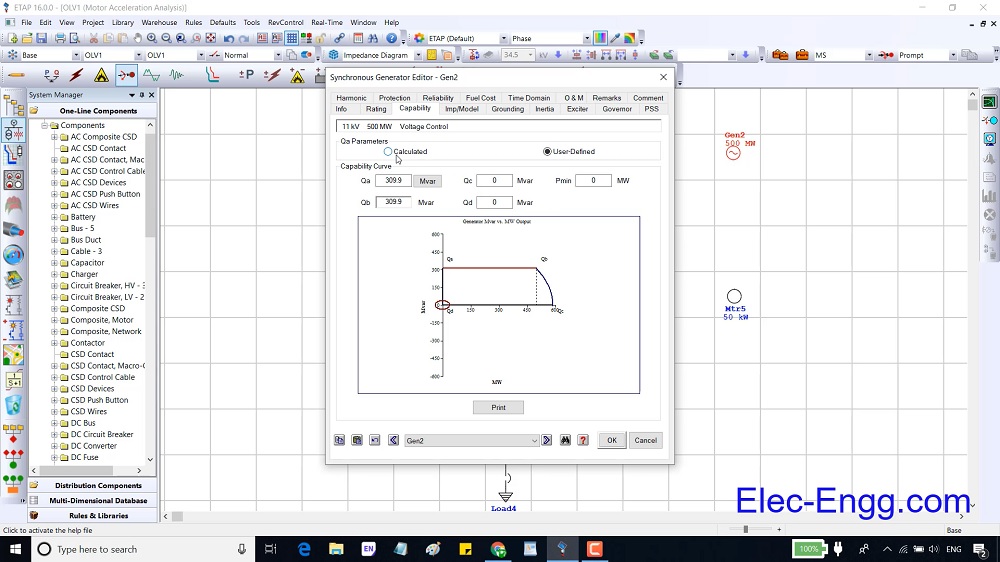
Chapter 2, Part 07: presents a practice to understand the parameters of an induction machine and a synchronous generator deeply.
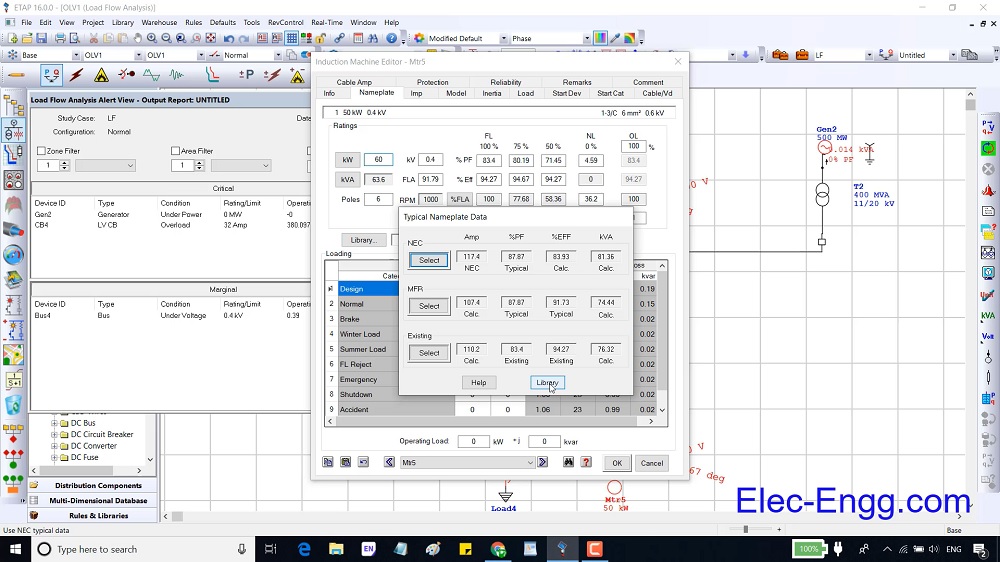
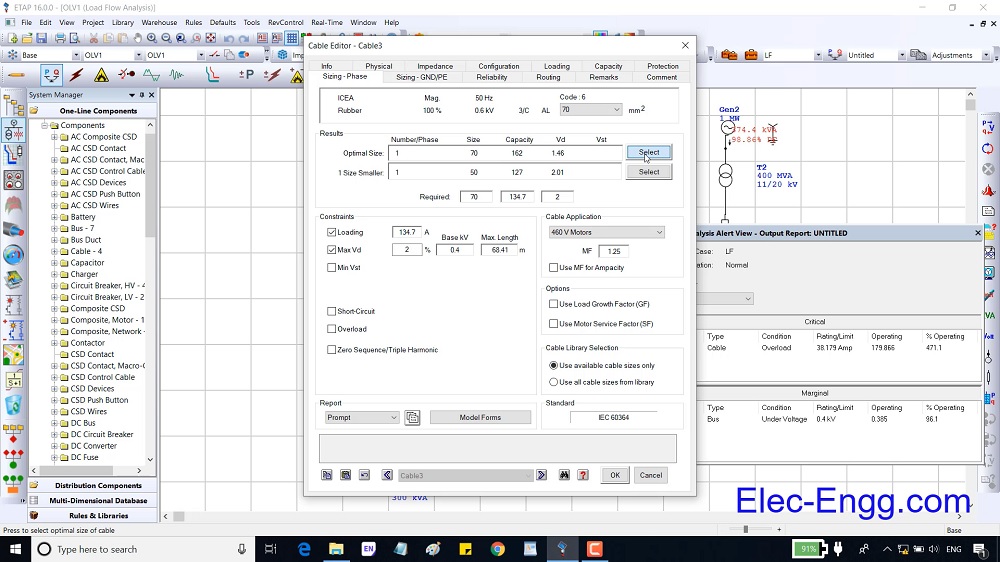
Chapter 2, Part 08: presents how to remove the critical alarm. To do so CB overload, cable overload, and transformer overload alerts have been removed. To remove these alerts, we should know how to do cable sizing and transformer sizing in ETAP.
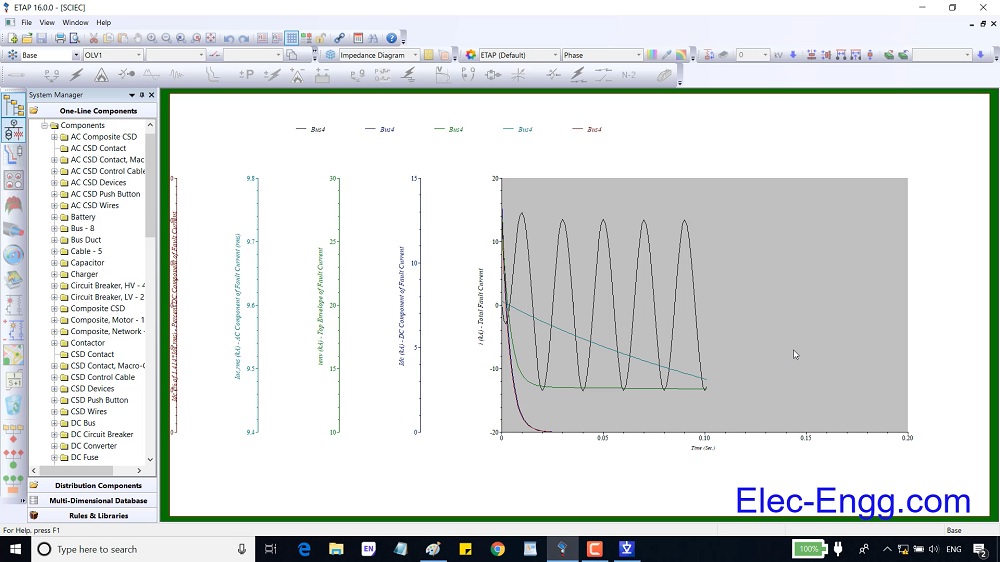
Chapter 3, Part 01: shows the effect of different parameters in the short circuit current. An induction motor can inject current to a grid even more than an equivalent generator, this part show this concept in ETAP.
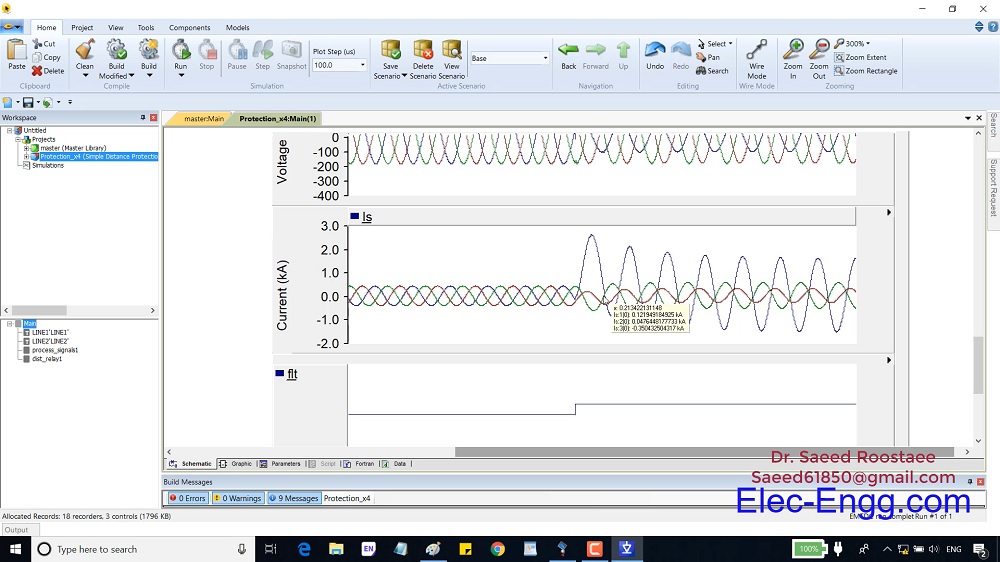
Chapter 3, Part 02: explains the settings in the short circuit analysis. To explain the parameters of short circuit analysis and understand the short circuit modeling in ETAP, we have simulated an AG fault in PSCAD.
Chapter 3, Part 03: presents several duties and tools in short circuit analysis mode.
Chapter 4, Part 01: overviews the elements which are related to relay protection and coordination.
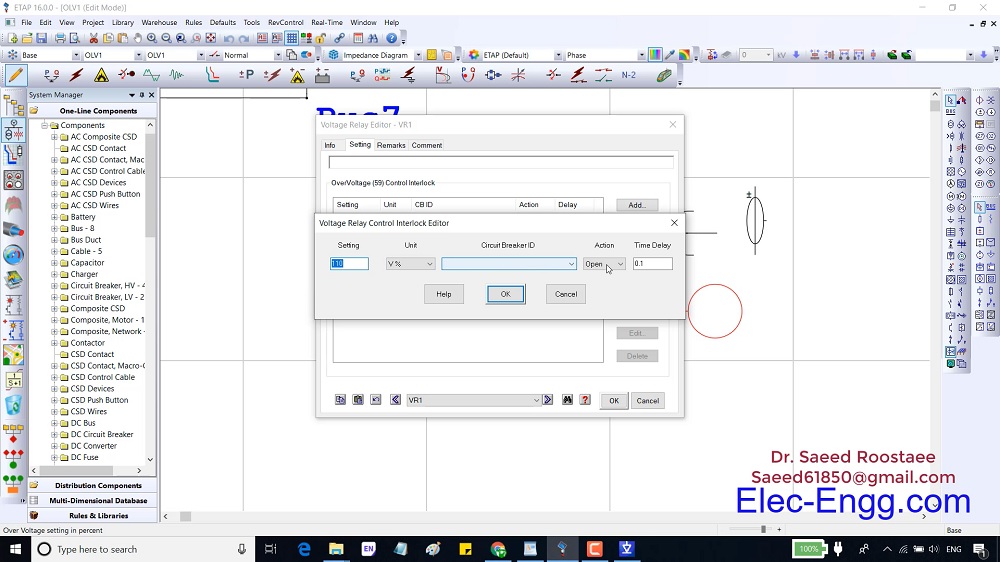
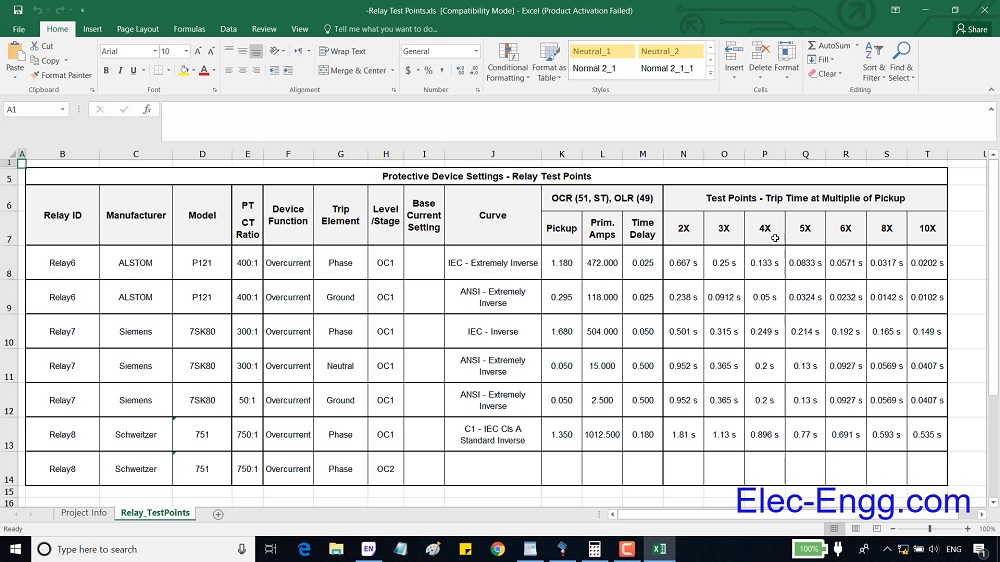
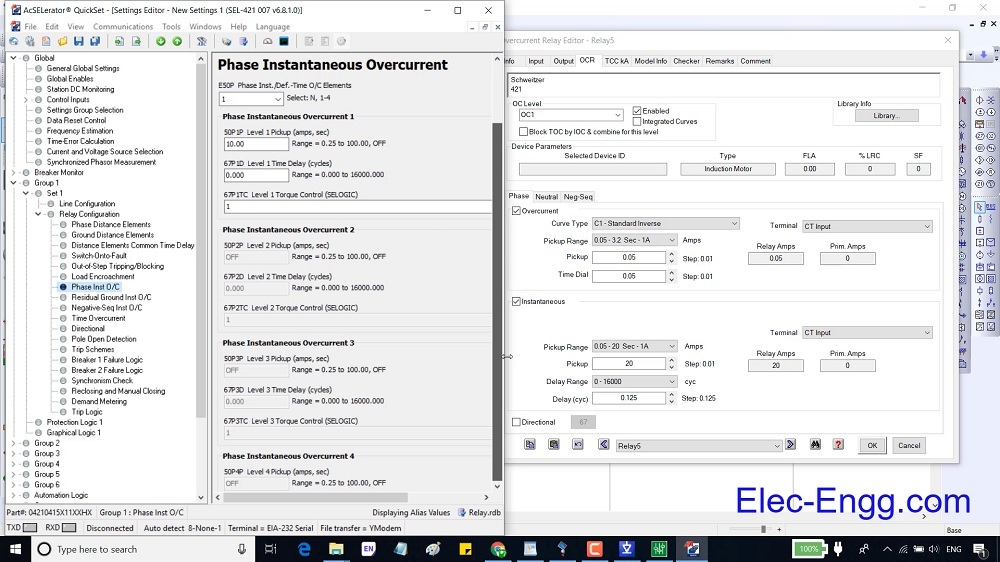
Chapter 4, Part 02: shows overcurrent parameters in ETAP and relay configurations software. The setting of overcurrent relays (P121 and distance relay SEL 421) are shown in the configuration software (Esergy studio and AcSELerator quick set software).

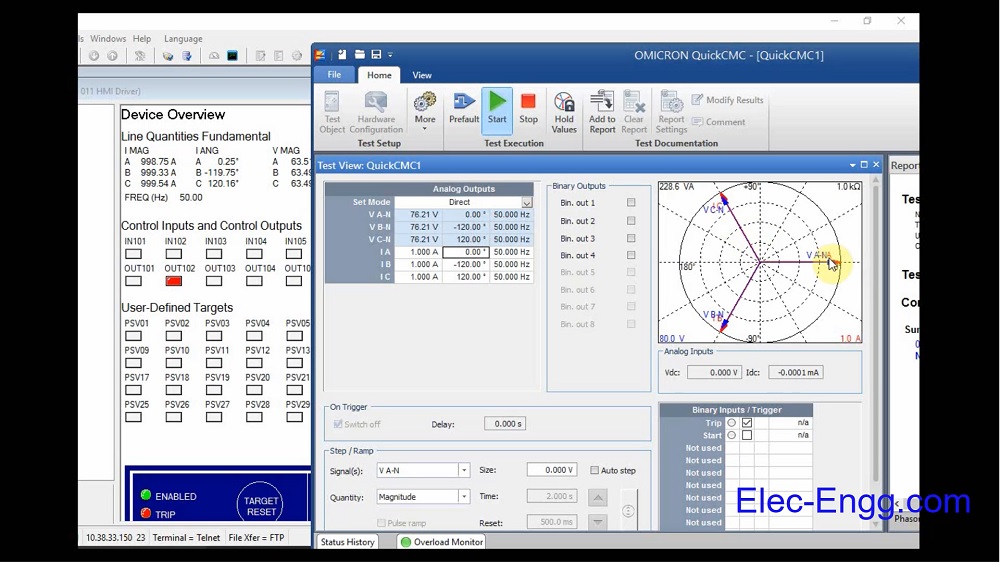
Chapter 4, Part 03: In this part, three-phase voltage and currents are injected into the SEL 421 with a secondary test kit (Omicron CMC 256) to explain the values in a relay and test the intravenous overcurrent function.
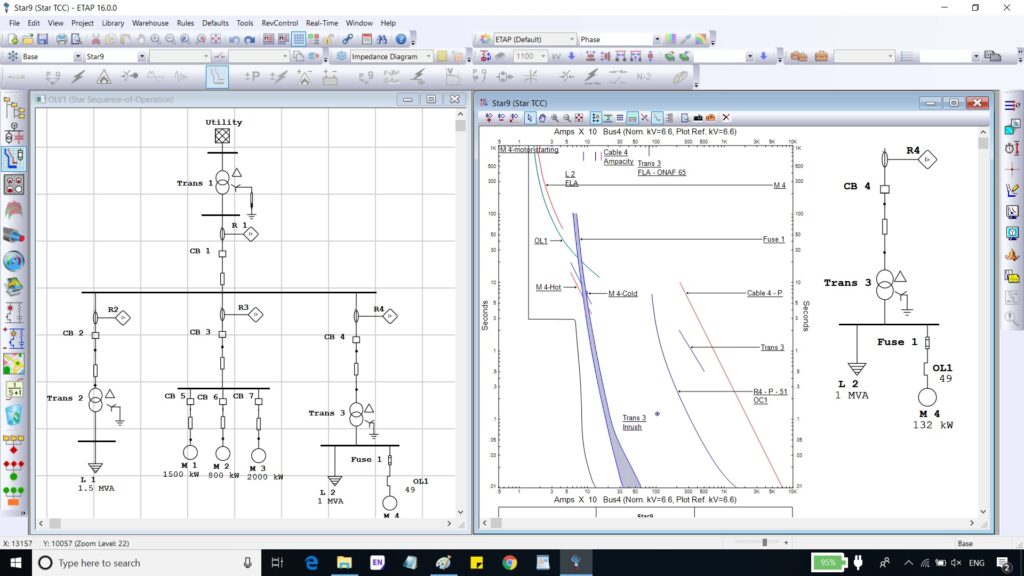
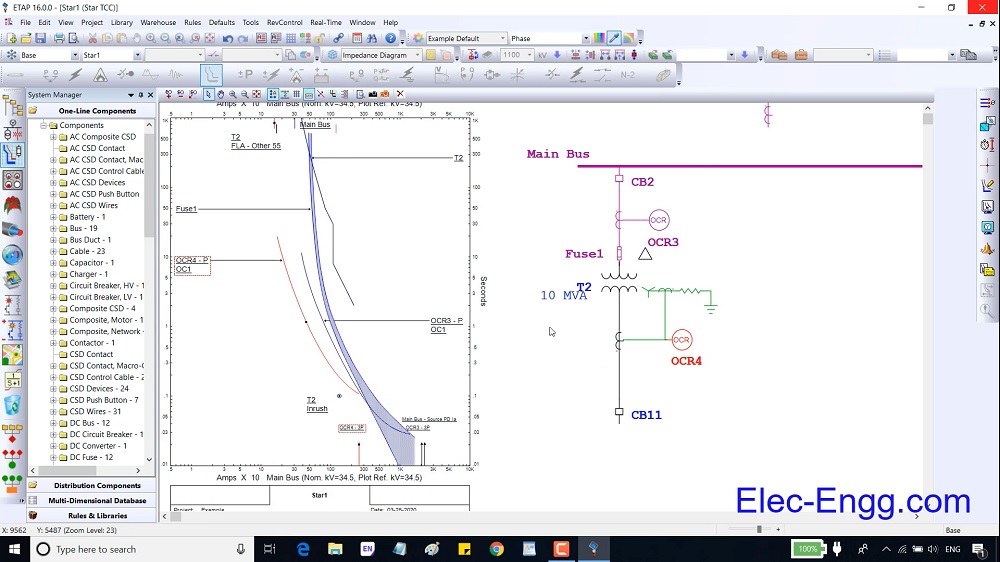
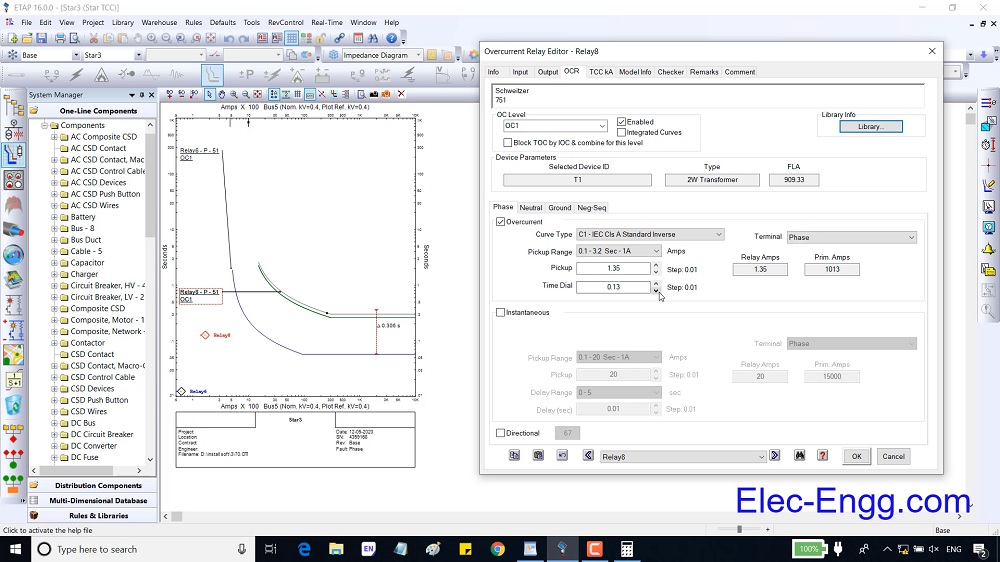
Chapter 4, Part 04: presents how to calculate the CT ratio and time delay overcurrent elements (Ansi 51). Then the coordination between two relays is explained with the help of start view tools.
Chapter 4, Part 05: the coordination between three relays and how to test the coordination with the help of the sequence viewer tool are presented.
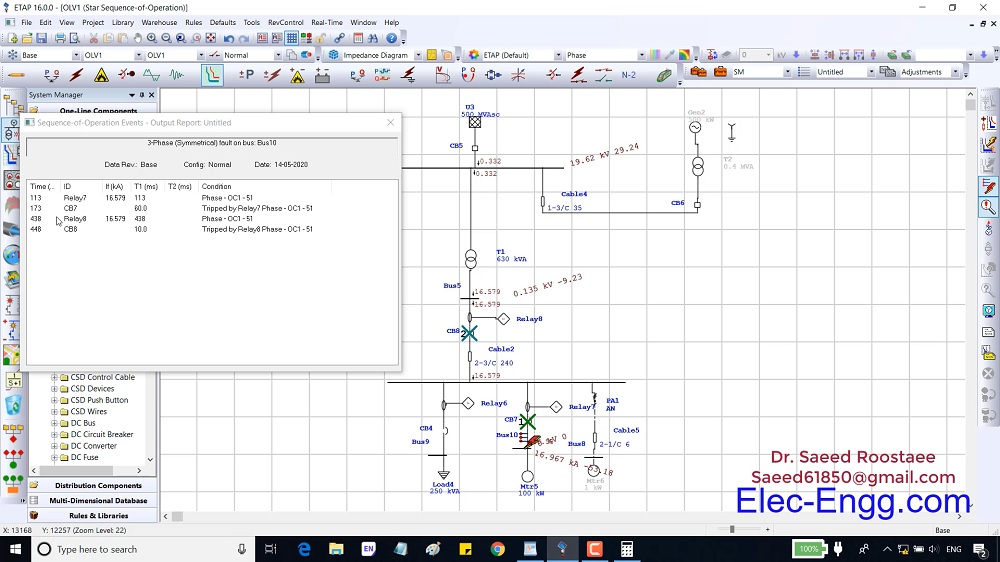
Chapter 4, Part 06: This part explains the plot option parameters in the Star View.
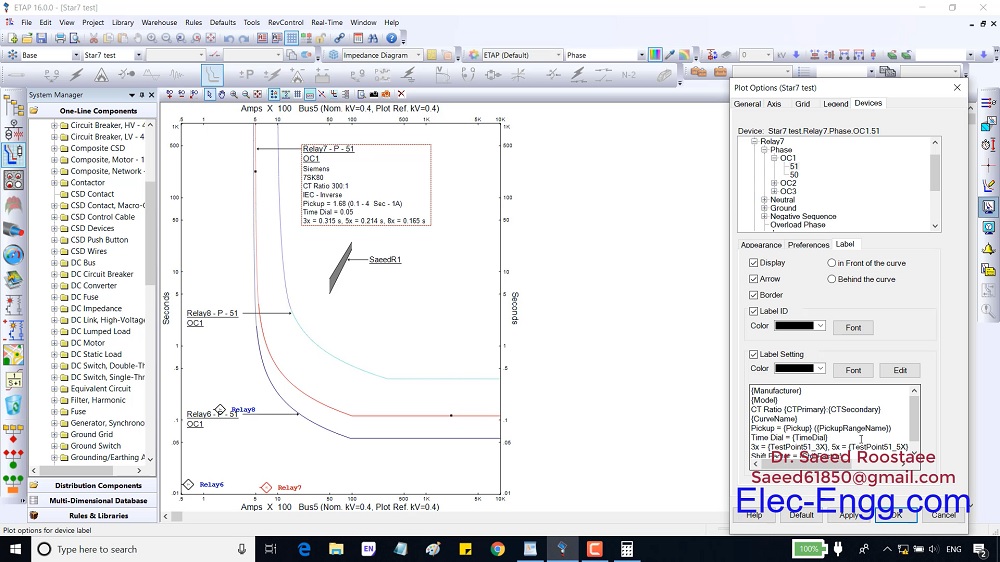
Chapter 4, Part 07: This part explains how to set instantaneous overcurrent parameters (ANSI 50).

Chapter 4, Part 08: presents how to calculate overture ground elements in ETAP and how to set these parameters in the relay.
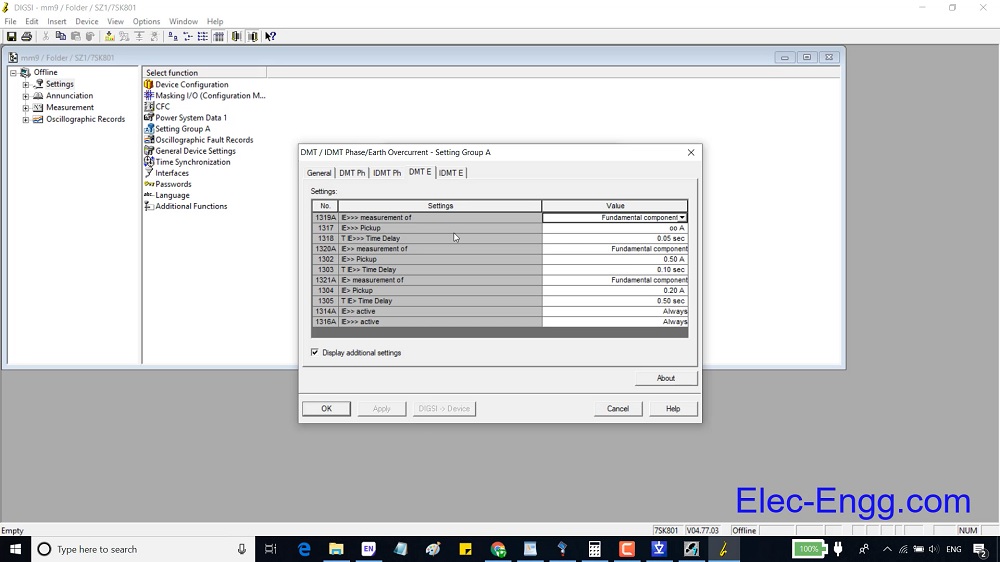
Chapter 4, Part 09: This part presents how to add a proper fuse to a feeder and coordinate the relays with the fuse.
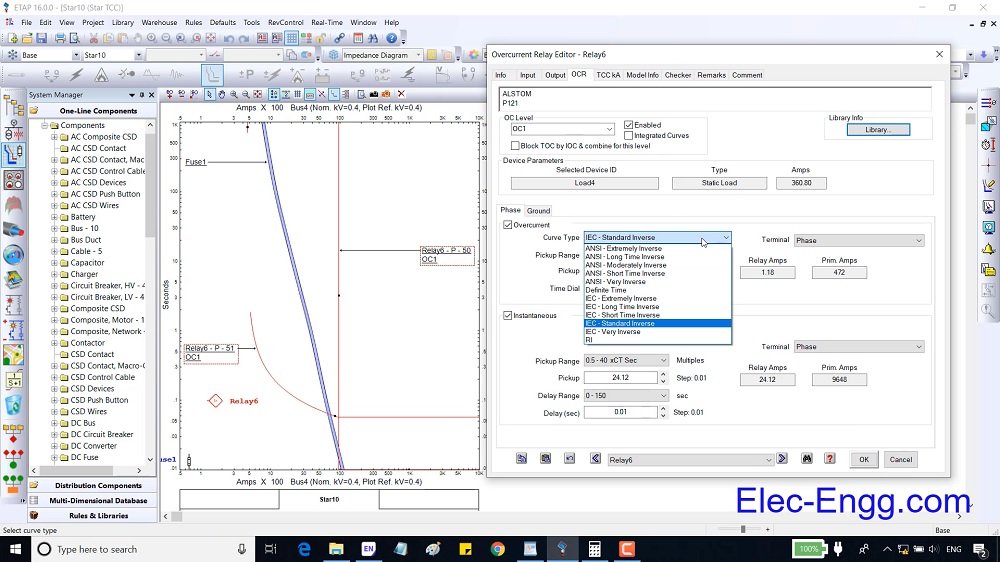
Chapter 4, Part 10: This part explains the protection page of the main elements and how to protect an element with an overcurrent element.
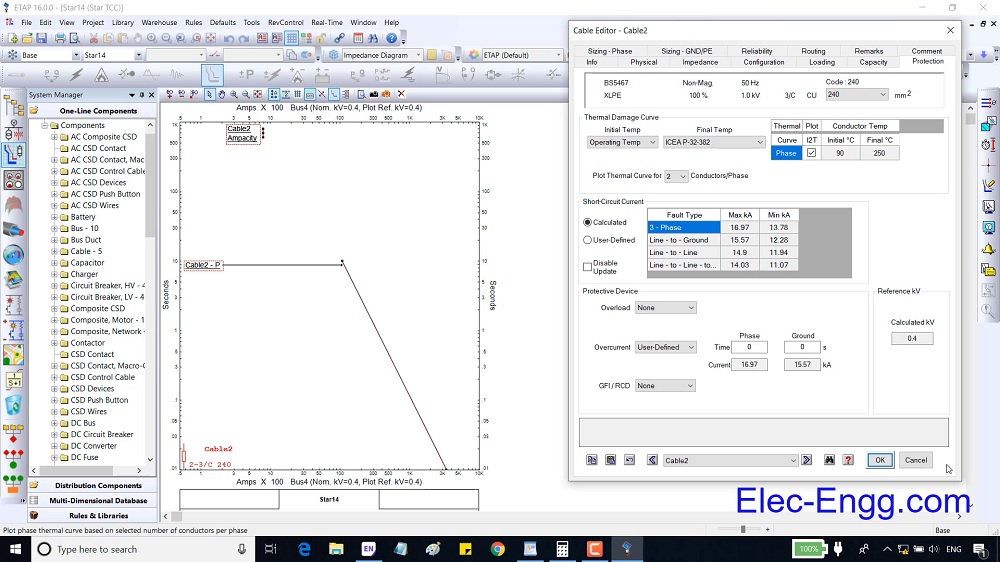
Chapter 4, Part 11: This part presents helpful tools in the protection and coordination study room.